Selected writing
Roll for Table
Ads, onboarding, transactional email, launch posts, outreach, and comparison copy for game masters.
Roll for Table should sound like an experienced GM who knows the hobby and does not use that knowledge to show off. The main copy is the deliverable. The note beside each piece is mine, on why it works. The product itself, the hero, the three promises, and the on-platform microcopy live in the project overview.
Roll for Table is currently pre-launch, in private testing. So the out-of-home work is all spec. Everything else is real product copy for surfaces the product will use.
1 · Out-of-home campaign
Roll for players Spec
“Roll for players” appears on a billboard, transit card, and convention banner. The billboard has time for the line and URL. The transit card adds the practical benefit. The convention banner assumes a room full of GMs already knows the vocabulary.
Billboard · read at speed
Roll for players.
rollfortable.com
Fill the table. Skip the spreadsheet.
Roll for Table · rollfortable.com

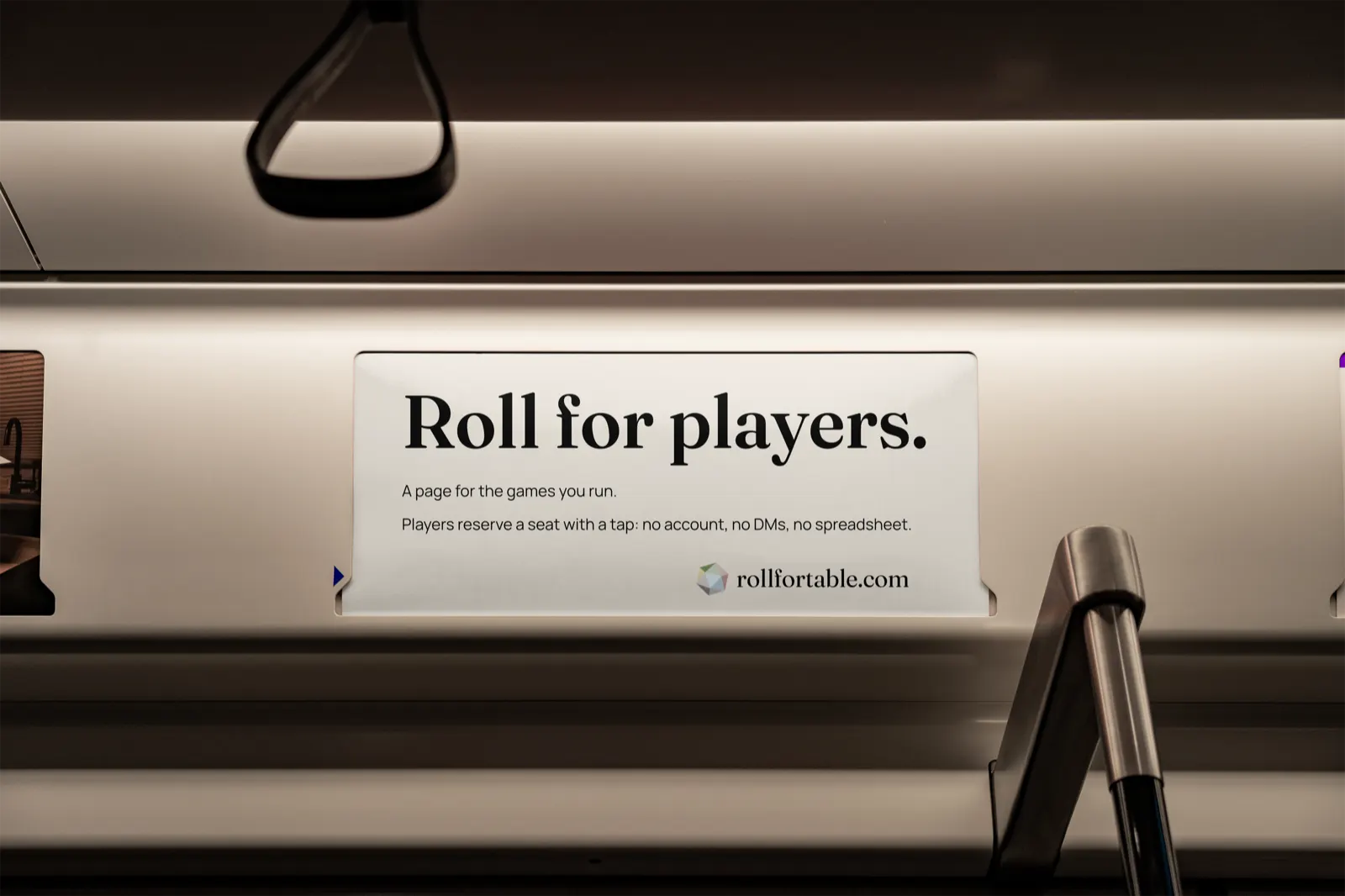
Transit card · a seated reader
Roll for players.
A page for the games you run.
Players reserve a seat with a tap: no account, no DMs, no spreadsheet.
rollfortable.com
Convention banner · a hall of GMs
Roll for players.
You bring the dice, the maps, and the snacks.
We’ll keep the seat counts, run the waitlist, and answer every “Is there still room?” before it’s asked.
rollfortable.com

2 · Paid ads
Social and search
Goal: earn a click from a GM mid-scroll or mid-search without the hype the format usually runs on.
Meta / Instagram
Three variations to test.
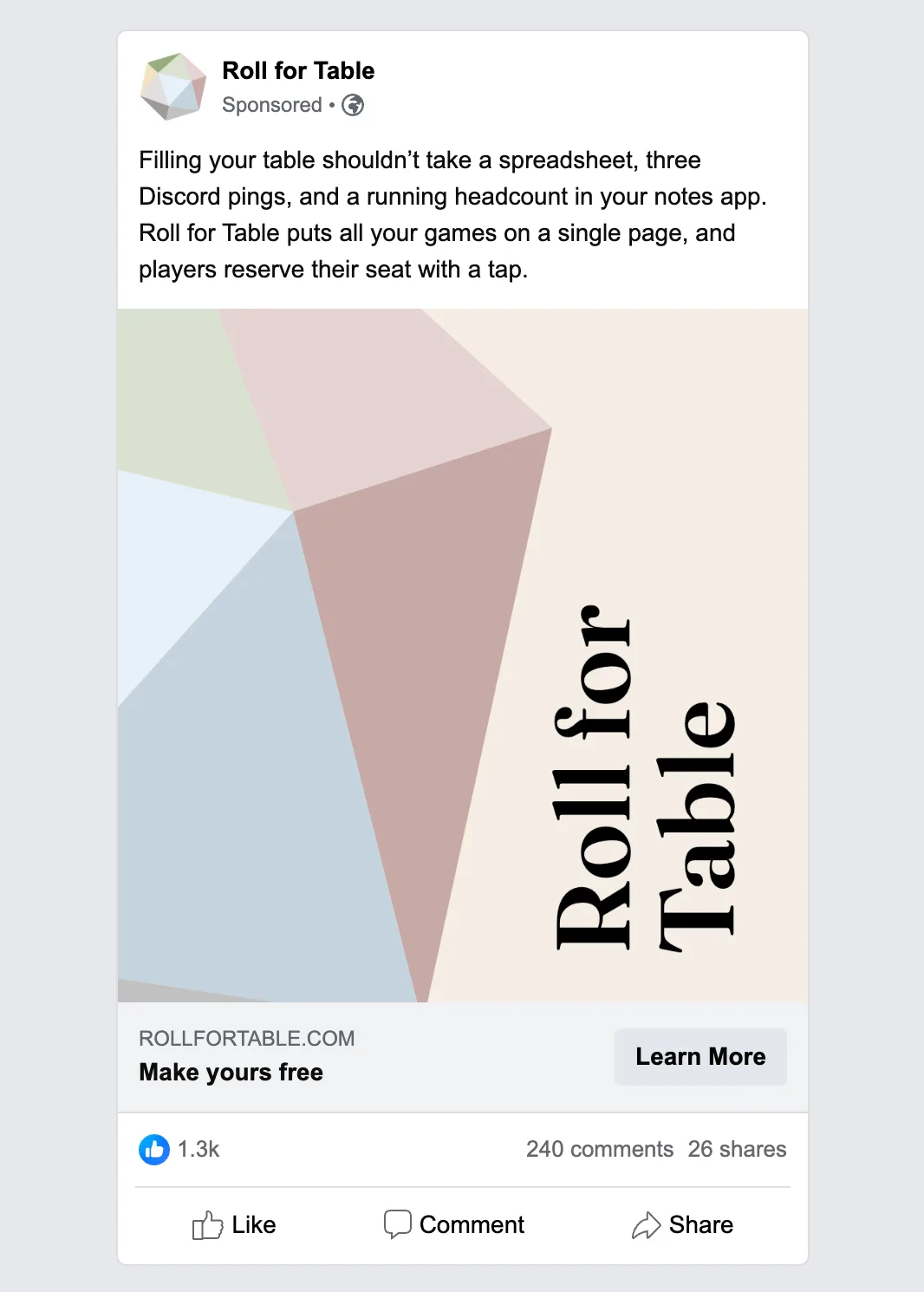
A · the busywork
Filling your table shouldn’t take a spreadsheet, three Discord pings, and a running headcount in your notes app. Roll for Table puts all your games on a single page, and players reserve their seat with a tap. Make yours free.
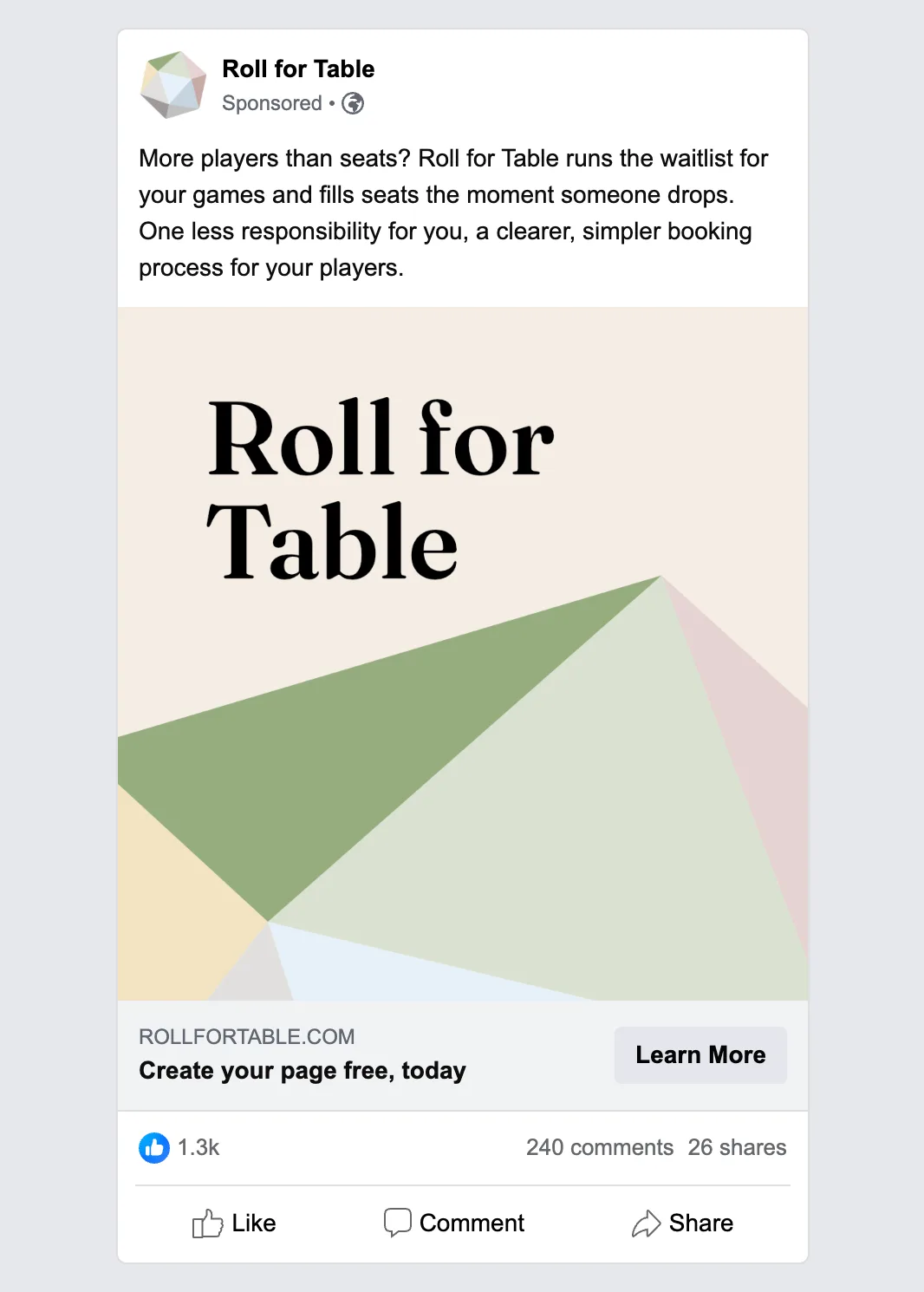
B · the good problem
More players than seats? Roll for Table runs the waitlist for your games and fills seats the moment someone drops. One less responsibility for you, a clearer, simpler booking process for your players. Create your page free, today.
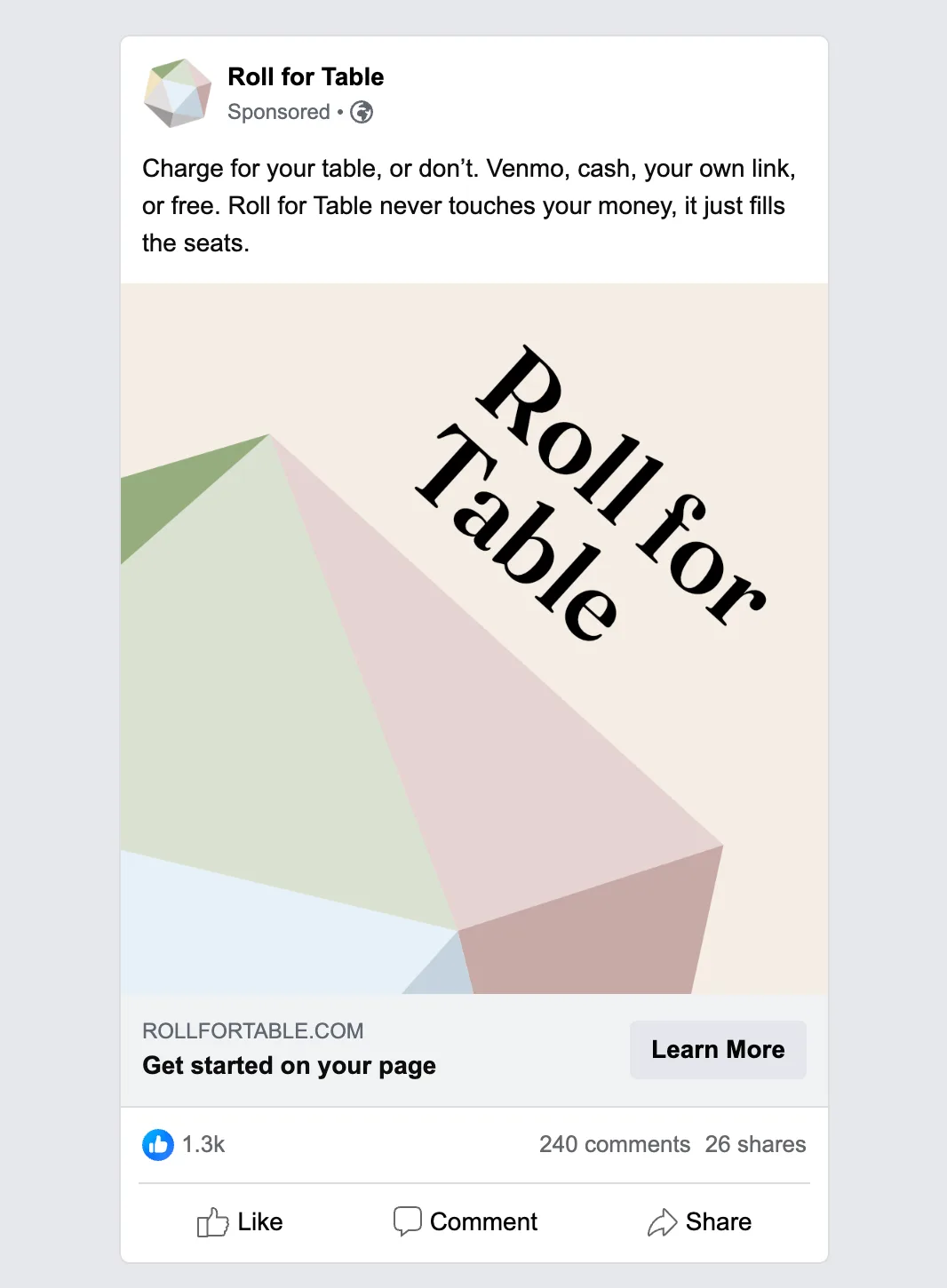
C · the money question
Charge for your table, or don’t. Venmo, cash, your own link, or free. Roll for Table never touches your money, it just fills the seats. Get started on your page.
Google search ad
A responsive search ad isn’t a single fixed ad. You hand Google a pool of parts, headlines (30 characters max each) and descriptions (90 characters max each), and its system assembles and tests combinations on its own, usually showing three headlines and two descriptions at a time. So each line has to stand on its own and read well beside any other. This selection targets queries like “find players for D&D” and “tabletop booking page.”
Headlines (30 characters max each)
- Fill Your Game Table
- Players Book Seats with a Tap
- No Account, No Spreadsheet
- Waitlists That Run Themselves
Descriptions (90 characters max each)
- One page for every game you run. Seat counts and waitlists update themselves.
- No clunky onboarding, no error-prone spreadsheets. Make your page free.
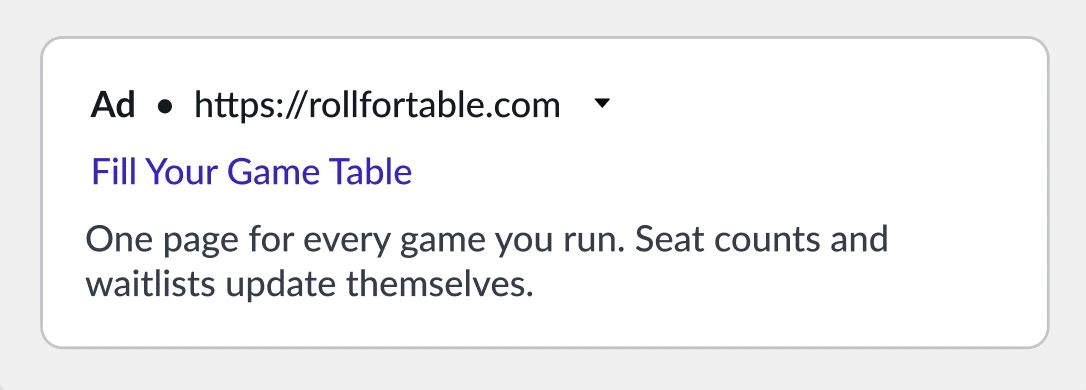
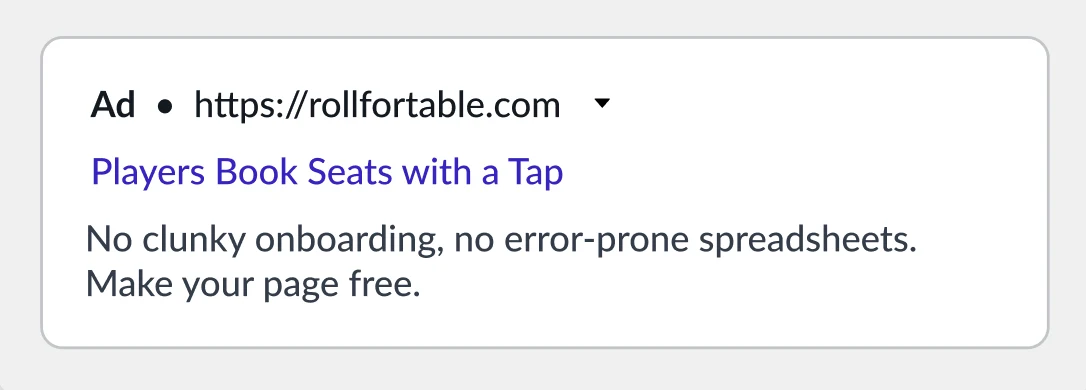
Two of the combinations Google can assemble from the parts above.
3 · Onboarding emails
A three-email drip
A three-email drip for a GM who just made a page but hasn’t published or shared it. Goal: move them from signup to a live, shared page with a first reservation. Each email does one job. Terms are glossed once, and nothing pressures.
Welcome. You’ve got a Roll for Table page now, which means the next player who wants a seat can grab one without DMing you, making an account, or asking if there’s still room.
First thing to do: add a game. A one-shot (a game you wrap in one sitting) or a longer campaign, whichever you’re running. Once it’s up, players can reserve a seat with a tap.
Add your first gameNo rush, and nothing publishes until you say so.
A Roll for Table page is meant to be your one-stop, shareable home base for all your gaming activities. Drop your link in the Discord where your players already hang out, add it to your bio, or post it on a flyer at the game store. That’s where most reservations come from.
Your page also shows up on the Find a Game browse page, so players looking for a table near them, or online, will sometimes find you on their own.
Copy your page linkA link in your bio and a mention in a familiar Discord could be enough to fill your first table. Sharing your link at your local gaming store is even more likely to assemble your first party.
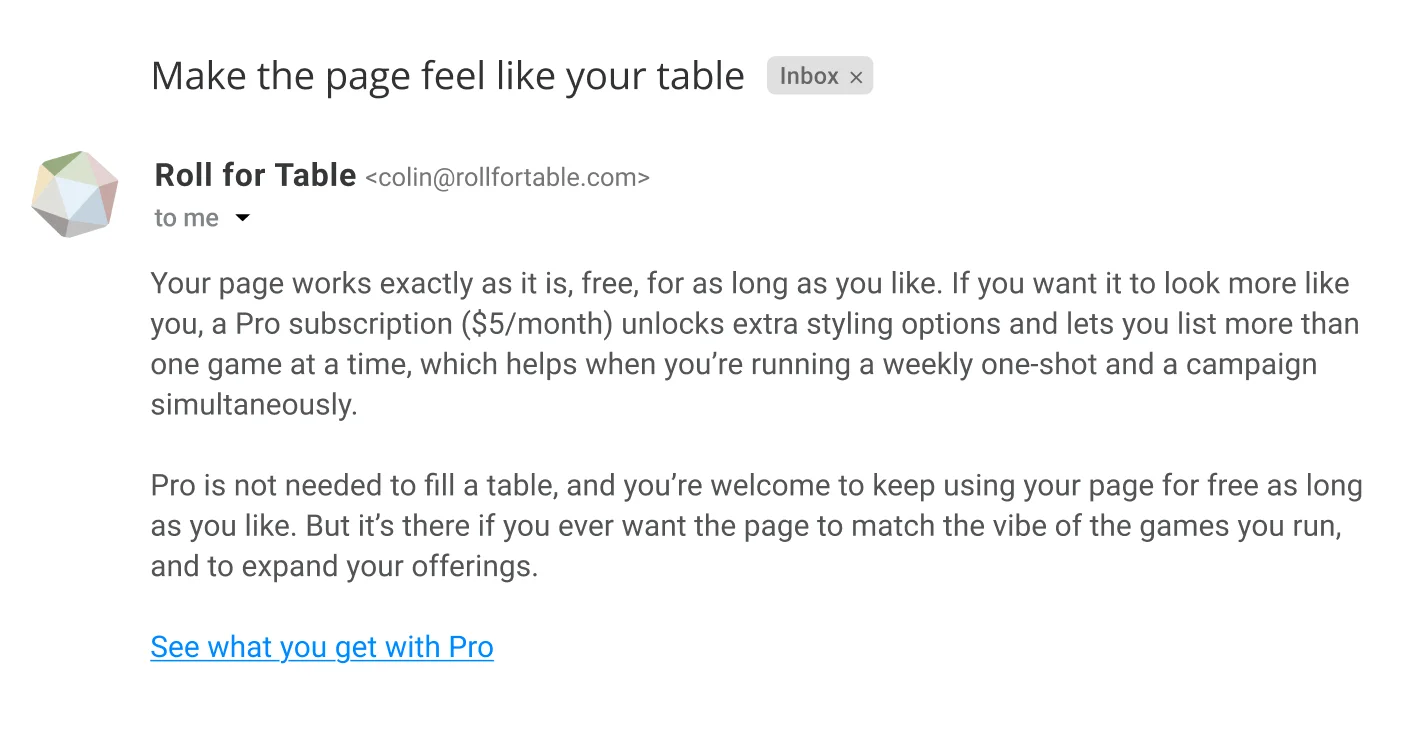
Your page works exactly as it is, free, for as long as you like. If you want it to look more like you, a Pro subscription ($5/month) unlocks extra styling options and lets you list more than one game at a time, which helps when you’re running a weekly one-shot and a campaign simultaneously.
Pro is not needed to fill a table, and you’re welcome to keep using your page for free as long as you like. But it’s there if you ever want the page to match the vibe of the games you run, and to expand your offerings.
See what you get with Pro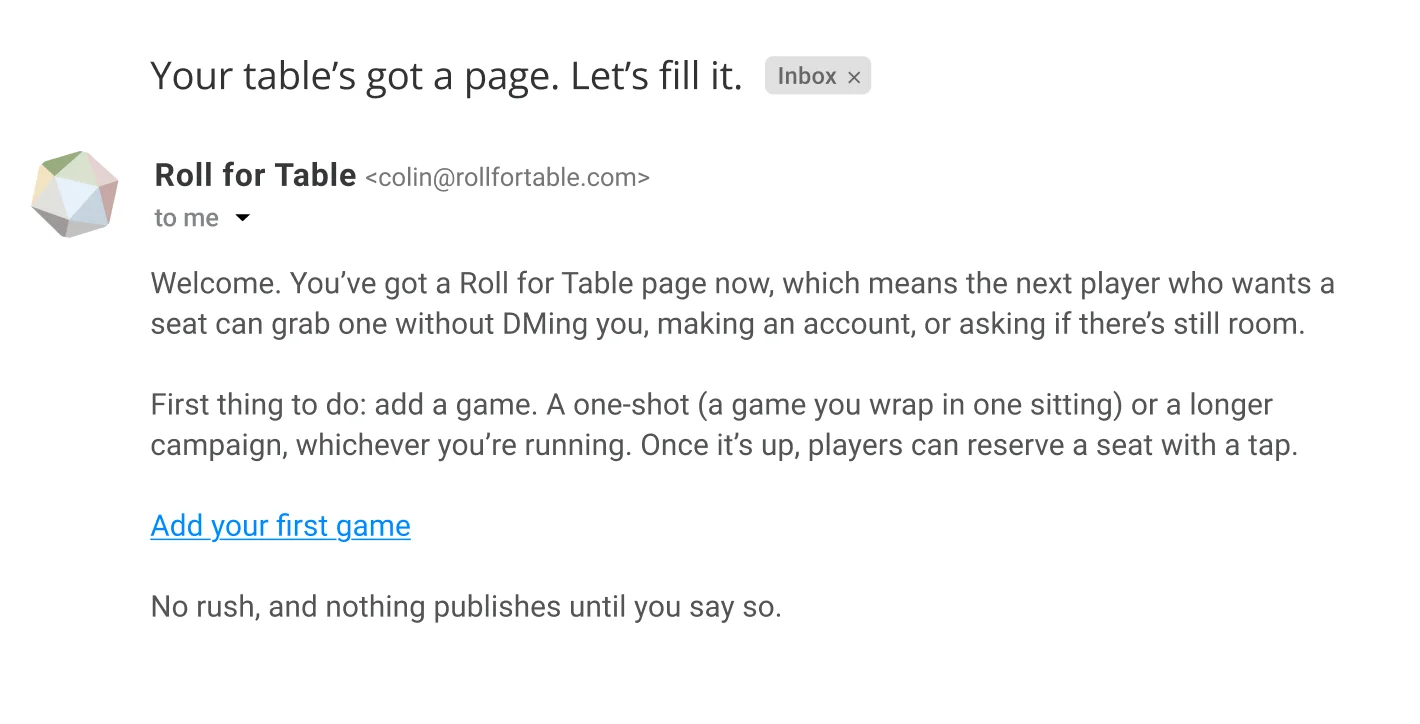
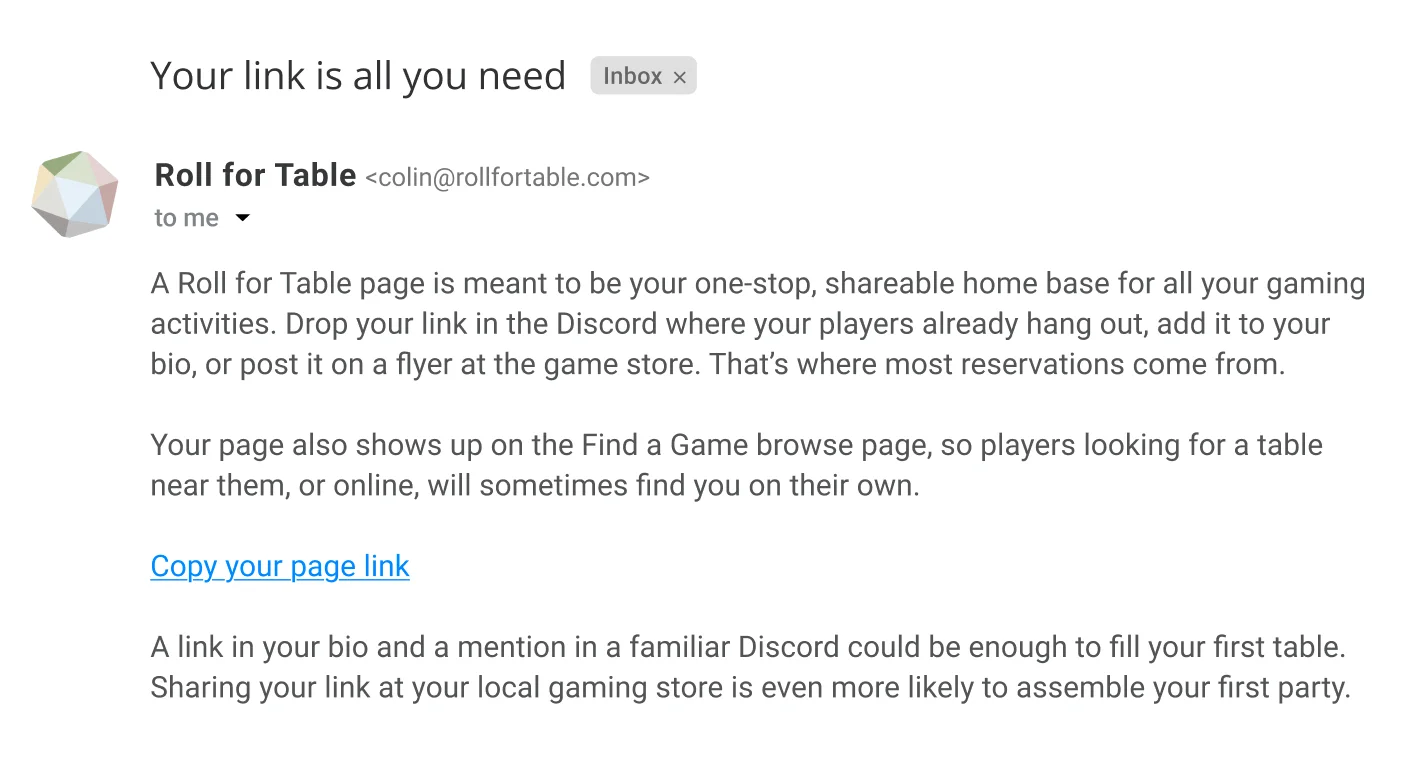
The sequence, one step per send.
4 · Transactional emails
Notes from the table
The system sends these notes after a reservation, when a table fills, and the day before a game. Each message reports what happened, gives the current headcount, and tells the GM whether anything needs their attention.
One moment, two versions: a reservation
Instant approval
Someone grabbed a seat for your Thursday one-shot. Three of five seats are now taken. Nothing for you to do; they’ve got what they need to show up.
See who’s comingManual approval
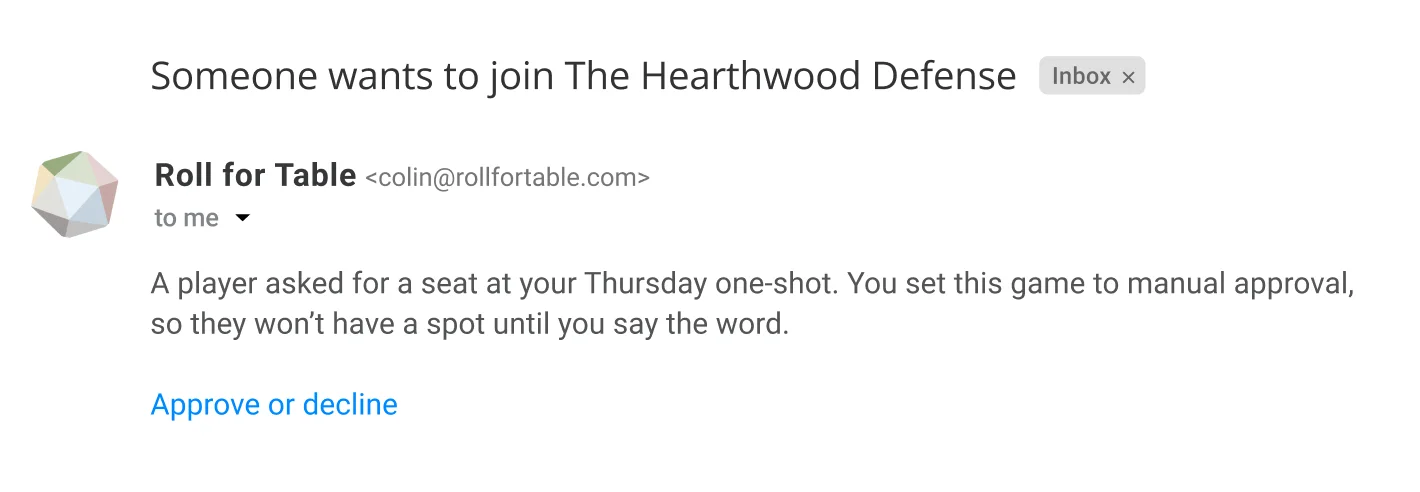
A player asked for a seat at your Thursday one-shot. You set this game to manual approval, so they won’t have a spot until you say the word.
Approve or decline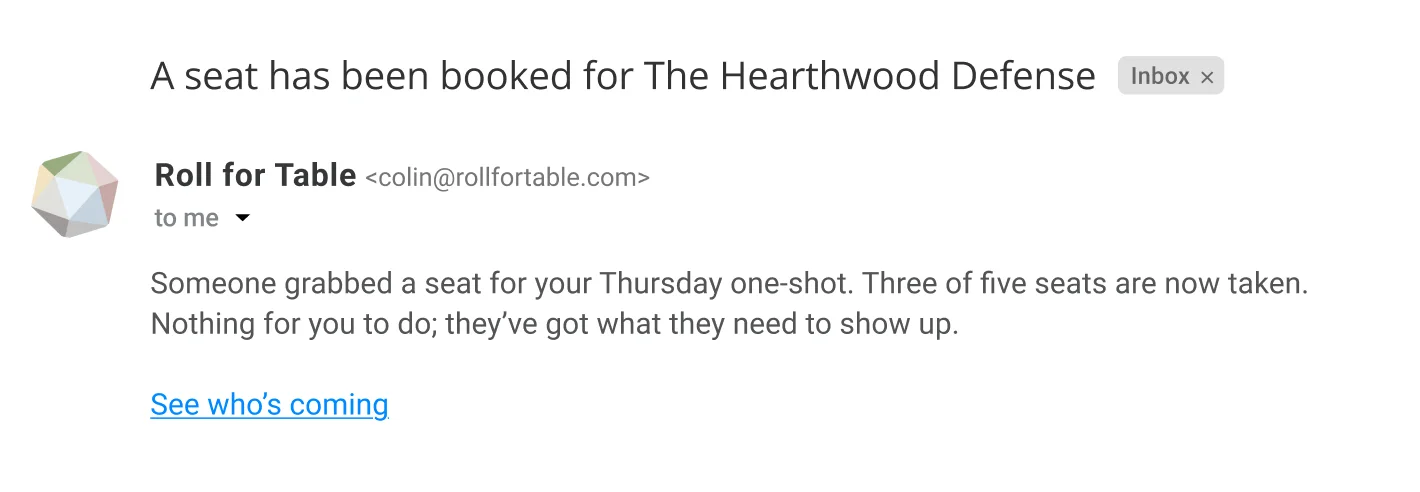
Every seat for Thursday is taken, so anyone else who tries to book a seat will be added to the waitlist.
You’ve set this game to automatically fill vacated seats. So in the event of a player cancellation, the waitlist will fill a vacated seat with the next person on the waitlist and tell them they’ve been welcomed to the table, sending them all the information they’ll need to play.
You can view your current players and waitlist, or change your waitlist settings to require manual approval, on your game page.
View your game page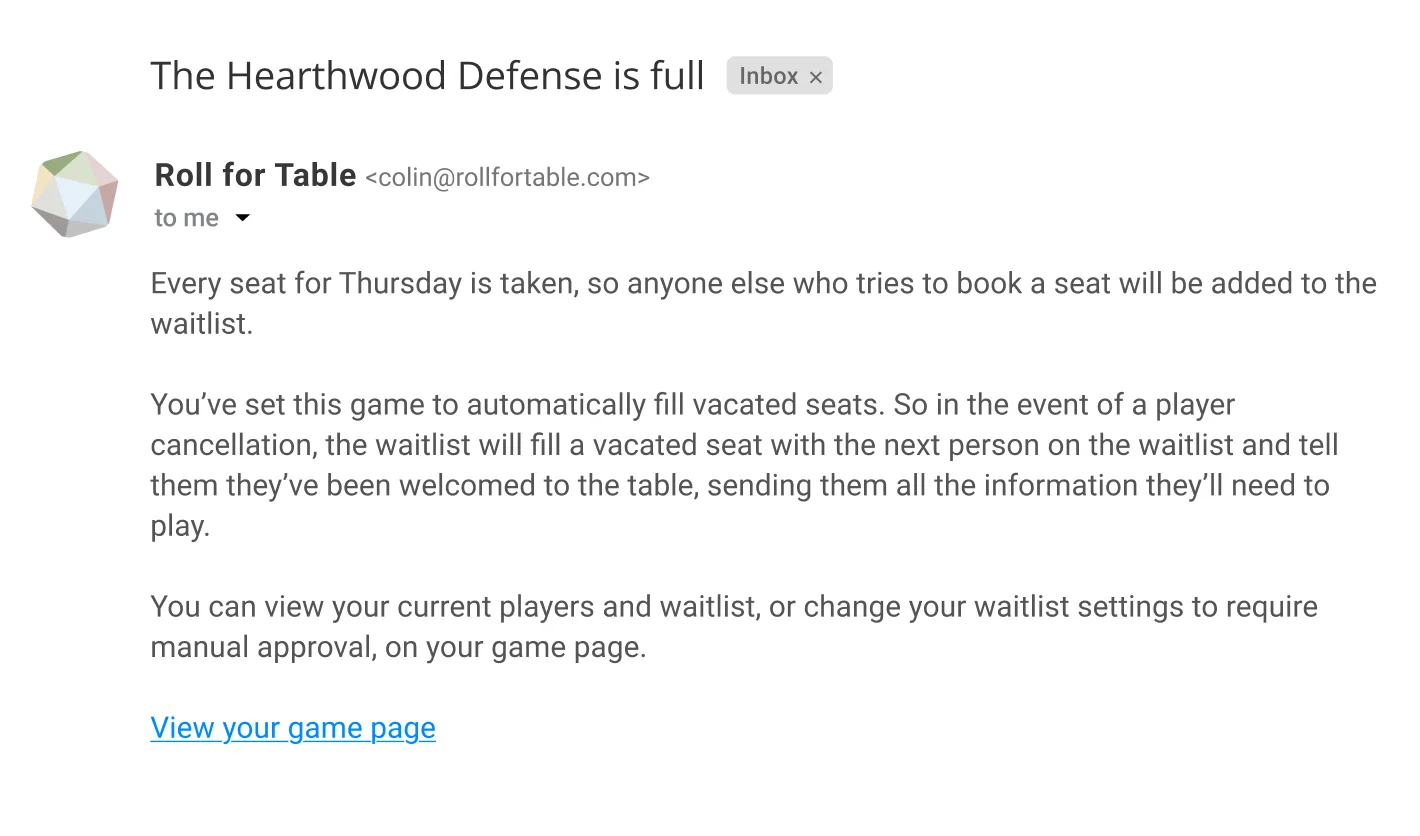
Your one-shot is tomorrow at 7pm. Five of five seats filled, two people on the waitlist. All confirmed players have the game details.
There’s nothing more for you to do right now than prepare to host a spectacular game.
Open your game page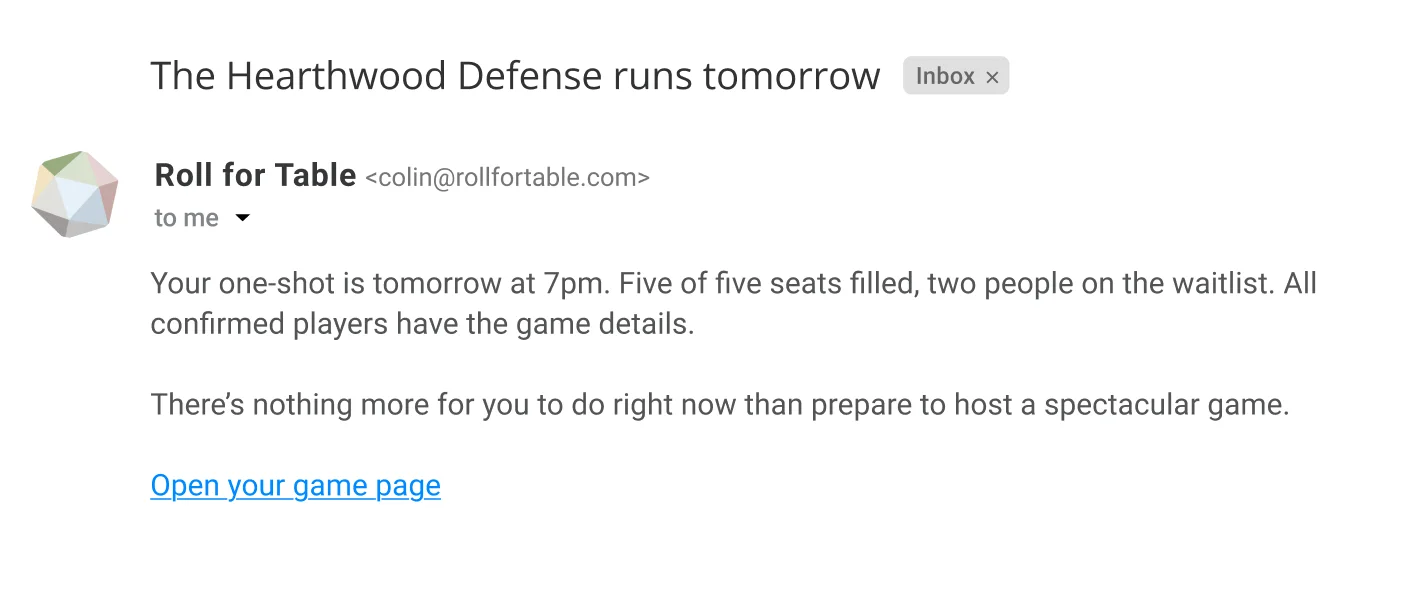
5 · Community launch post
Where the audience lives
The launch announcement appears as a Reddit self-post to r/rpg and a shorter Discord message. Both are written in the first person because overt marketing tends to be unwelcome in these communities.
Reddit · r/rpg self-post
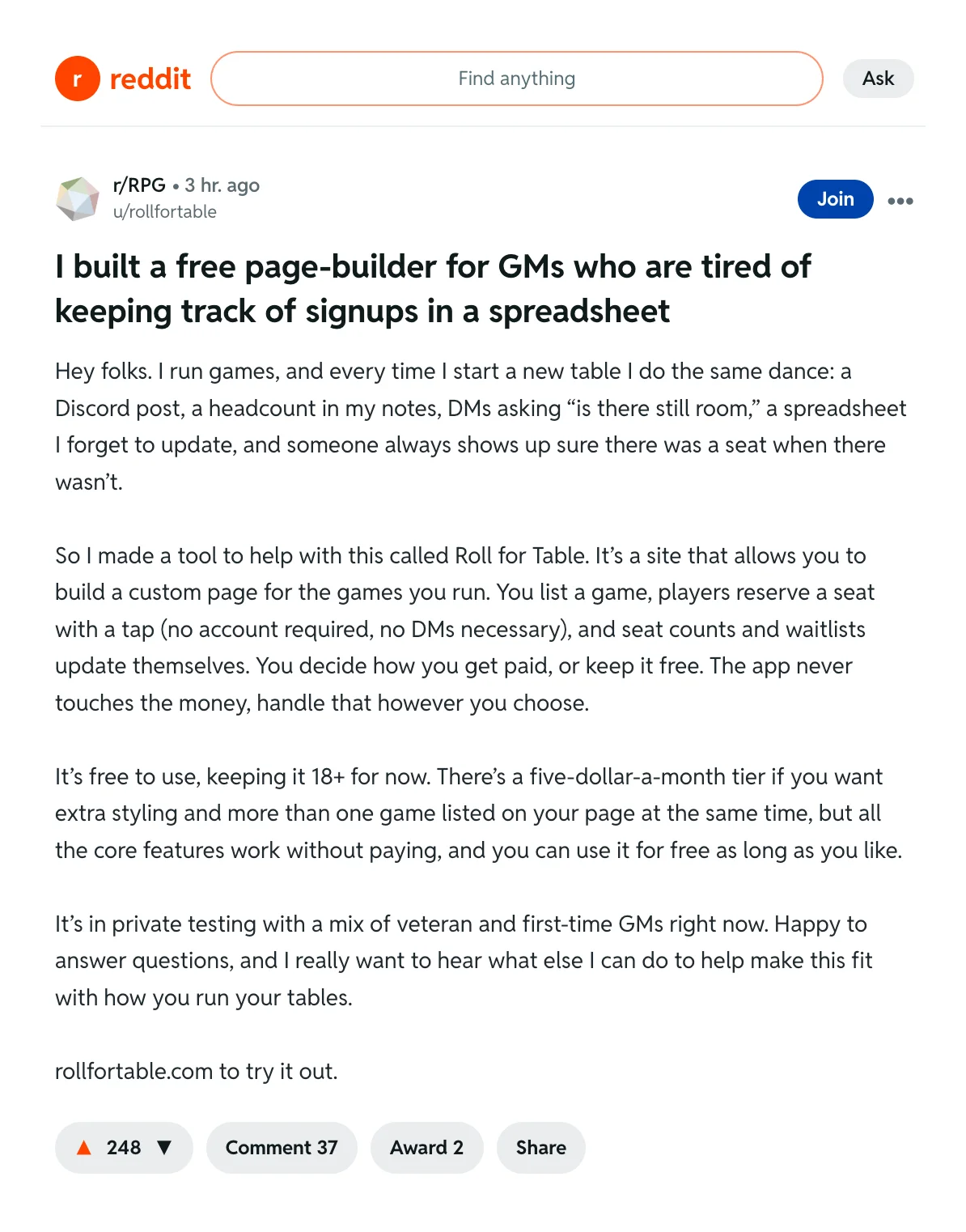
I built a free page-builder for GMs who are tired of keeping track of signups in a spreadsheet
Hey folks. I run games, and every time I start a new table I do the same dance: a Discord post, a headcount in my notes, DMs asking “is there still room,” a spreadsheet I forget to update, and someone always shows up sure there was a seat when there wasn’t.
So I made a tool to help with this called Roll for Table. It’s a site that allows you to build a custom page for the games you run. You list a game, players reserve a seat with a tap (no account required, no DMs necessary), and seat counts and waitlists update themselves. You decide how you get paid, or keep it free. The app never touches the money, handle that however you choose.
It’s free to use, keeping it 18+ for now. There’s a five-dollar-a-month tier if you want extra styling and more than one game listed on your page at the same time, but all the core features work without paying, and you can use it for free as long as you like.
It’s in private testing with a mix of veteran and first-time GMs right now. Happy to answer questions, and I really want to hear what else I can do to help make this fit with how you run your tables.
rollfortable.com to try it out.
Discord announcement
Hey folks. Launching the thing I’ve been building: Roll for Table. It’s a free page for the games you run. Players reserve a seat with a tap (no account required), waitlists run themselves, and you decide how, or whether, you get paid. In private testing now with a handful of GMs. If you run tables and want in, reply here and I’ll get you a spot.
6 · Cold outreach
To a game store
A B2B partnership email to the owner of a local game store, which already hosts games and wants more foot traffic and to simplify logistics. Goal: earn a reply, not a signature. Short, specific, and about them.
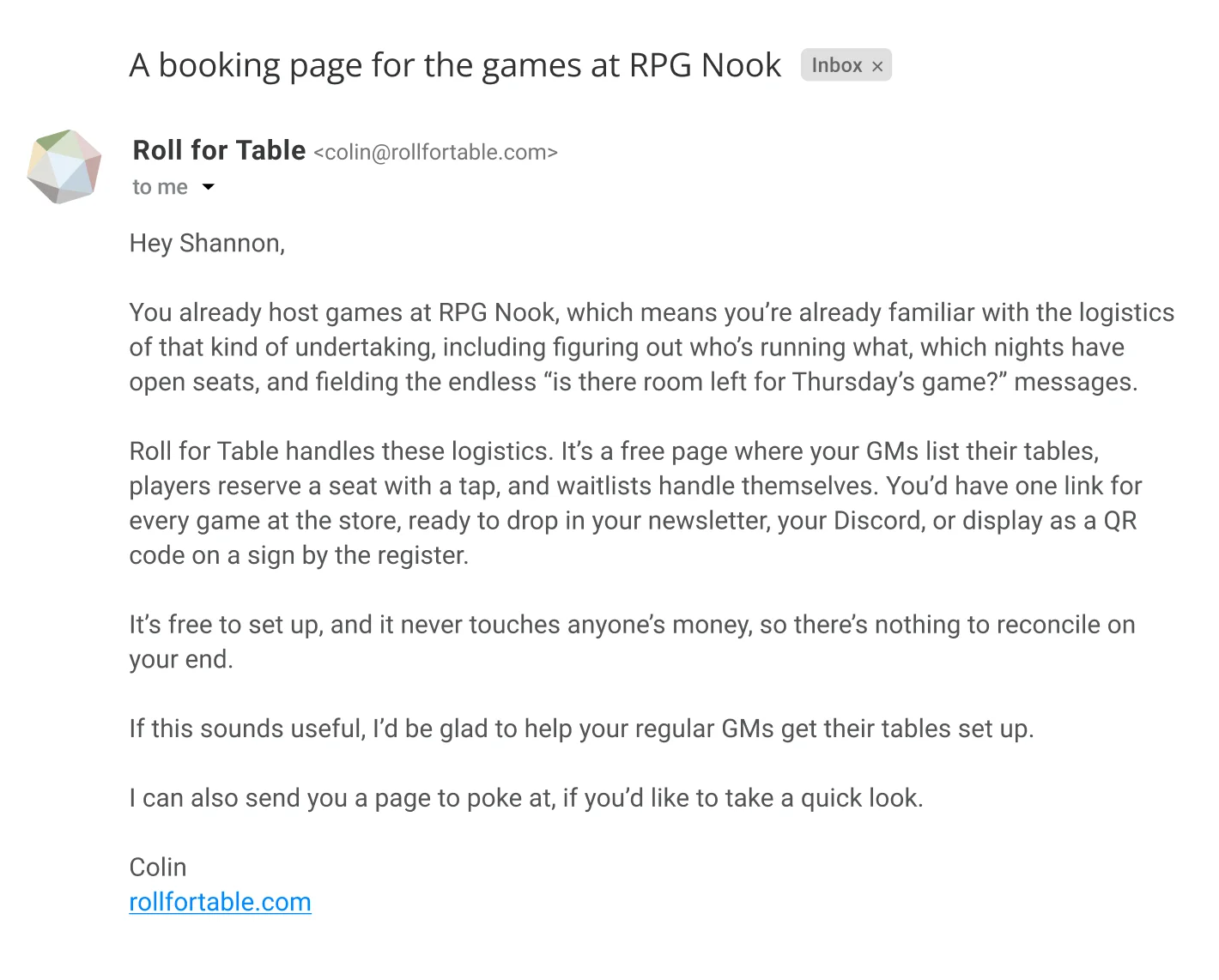
Hey [Name],
You already host games at [Store Name], which means you’re already familiar with the logistics of that kind of undertaking, including figuring out who’s running what, which nights have open seats, and fielding the endless “is there room left for Thursday’s game?” messages.
Roll for Table handles these logistics. It’s a free page where your GMs list their tables, players reserve a seat with a tap, and waitlists handle themselves. You’d have one link for every game at the store, ready to drop in your newsletter, your Discord, or display as a QR code on a sign by the register.
It’s free to set up, and it never touches anyone’s money, so there’s nothing to reconcile on your end.
If this sounds useful, I’d be glad to help your regular GMs get their tables set up.
I can also send you a page to poke at, if you’d like to take a quick look.
Colin
rollfortable.com
7 · Comparison page
DIY versus Roll for Table
This page is for a GM who already handles signups with a link tool, Discord, and a spreadsheet. That setup works. The comparison shows what the GM still has to manage by hand.
“Can’t I just use a Discord and a spreadsheet?”
Absolutely. Plenty of great GMs do. But here’s what changes when you let Roll for Table handle the busywork.
The DIY stack: a link tool, a chat, and a spreadsheet
A link tool points people somewhere. A Discord post gathers replies. A spreadsheet tracks the headcount. It works, but you’re the one keeping all three in sync, sending out game information individually, and juggling players when someone cancels.
Roll for Table: one page that keeps itself current
Players reserve a seat with a tap, no account required. The seat count keeps itself current. When someone drops, the next person in line can be added automatically, or you can fill the seat by hand if you’d rather retain manual control. You decide how you get paid, but the app handles the rest.
| The DIY stack | Roll for Table | |
|---|---|---|
| Players sign up | DMs and replies you tally | A tap, no account |
| Seat count | You update it | Updates itself |
| Waitlist | You track it by hand | Runs itself, or you run it |
| Getting paid | However you like | However you like, app never touches it |
| Cost | Free | Free, or $5/mo for more styling options and multiple games |
If your current setup works, keep it. But if the busywork is the reason you run fewer tables than you’d like, Roll for Table might be worth a look.
Make your page, it’s free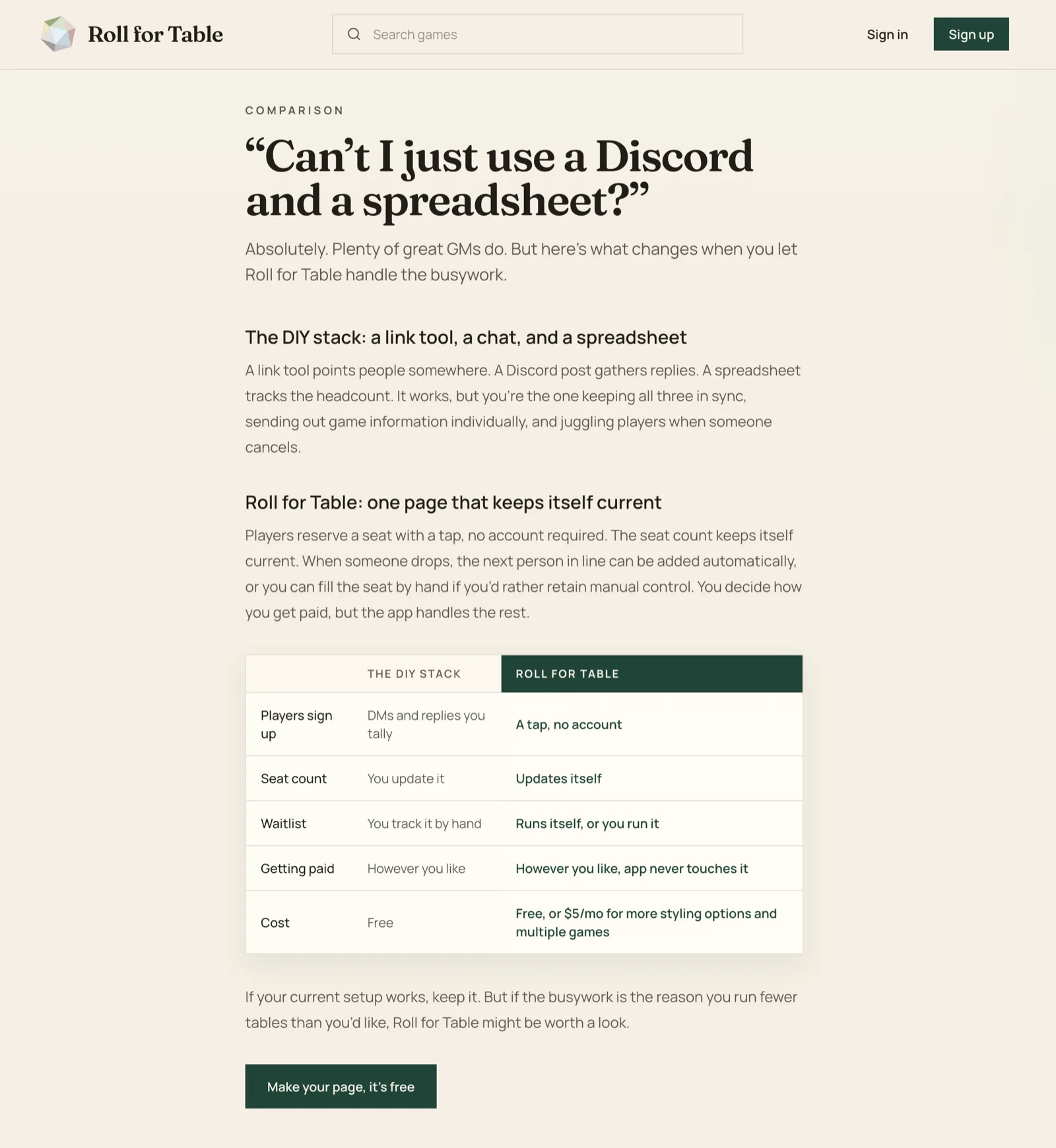
8 · Before and after
The product description
The “before” is Roll for Table described in generic SaaS-speak, a register the brand’s voice avoids: buzzwords, empowerment, a promise to help you “focus on what matters.” The “after” is the same product in the brand’s plain, fluent voice.
Before
Roll for Table is an all-in-one platform that empowers tabletop game masters to streamline player management and elevate their gaming experience. Our intuitive solution leverages seamless automation to handle bookings, waitlists, and payment coordination, freeing you to focus on what matters most: creating unforgettable adventures for your community.
After
Roll for Table is a page for your games. Players reserve a seat at your table with a tap, no account needed. The waitlist keeps seats filled, even if there are cancellations. You decide how players pay you, and the app never touches the money. You run the game. The page does the rest.